Make friends.
Build apps.

Build your own app in three days.

A free three-day program in Sydney for high school girls and gender-diverse students, including non-binary students. You’ll learn Swift, build your own app with mentors beside you, and leave ready to enter Apple’s Swift Student Challenge in early 2027.

Sydney · 12–14 January 2027

Takes about five minutes. Sign up yourself: a parent or guardian only fills in a form if you’re offered a place.

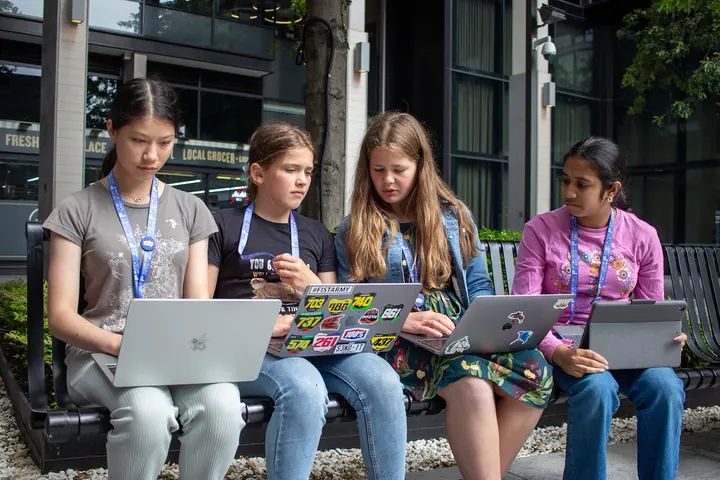
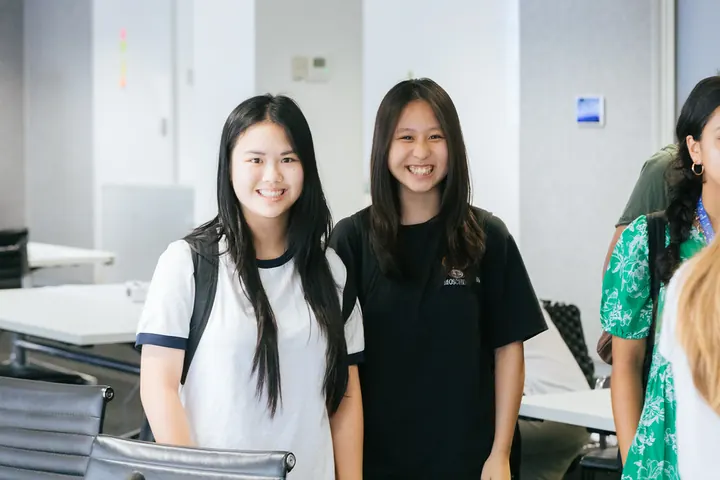
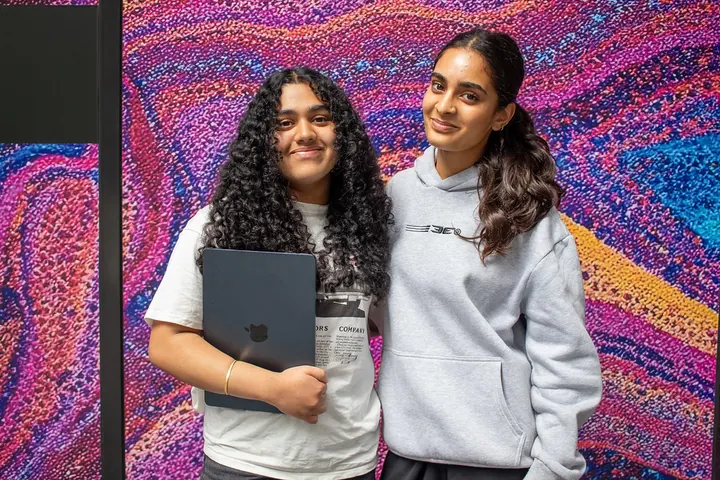
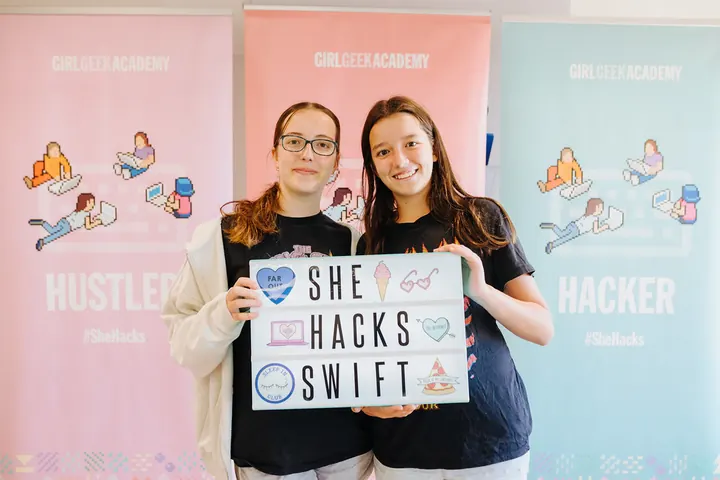
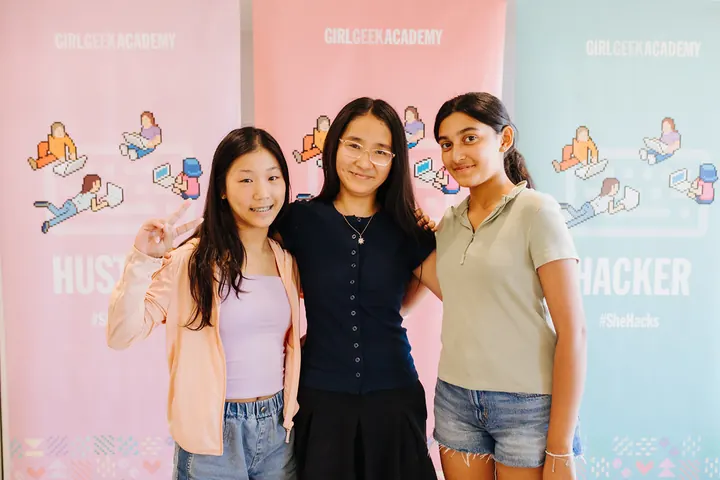
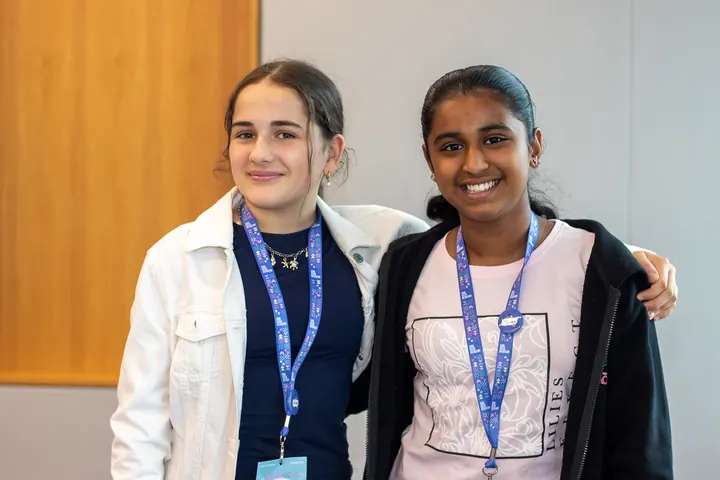
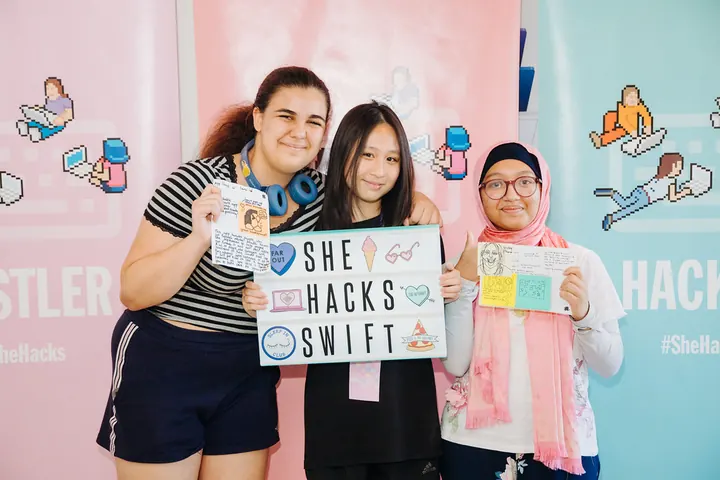
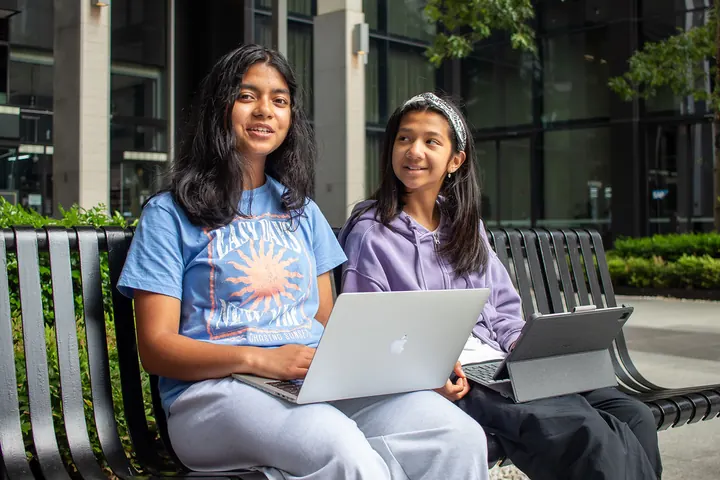
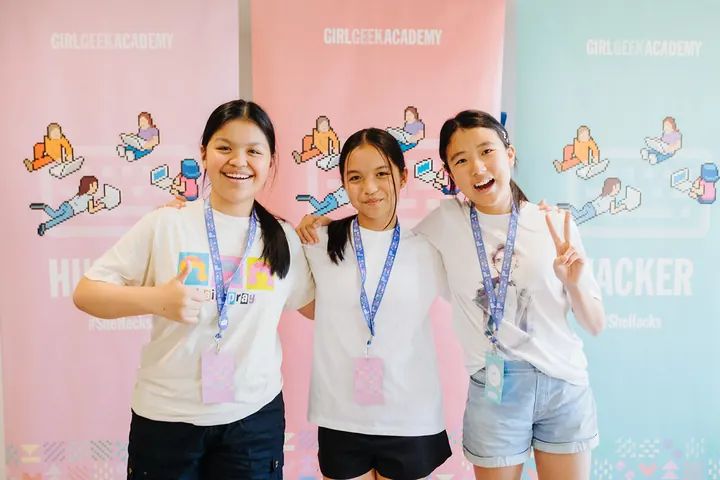
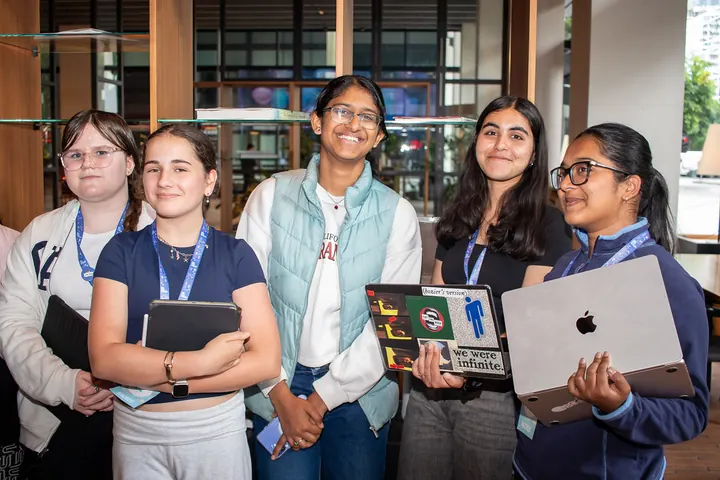
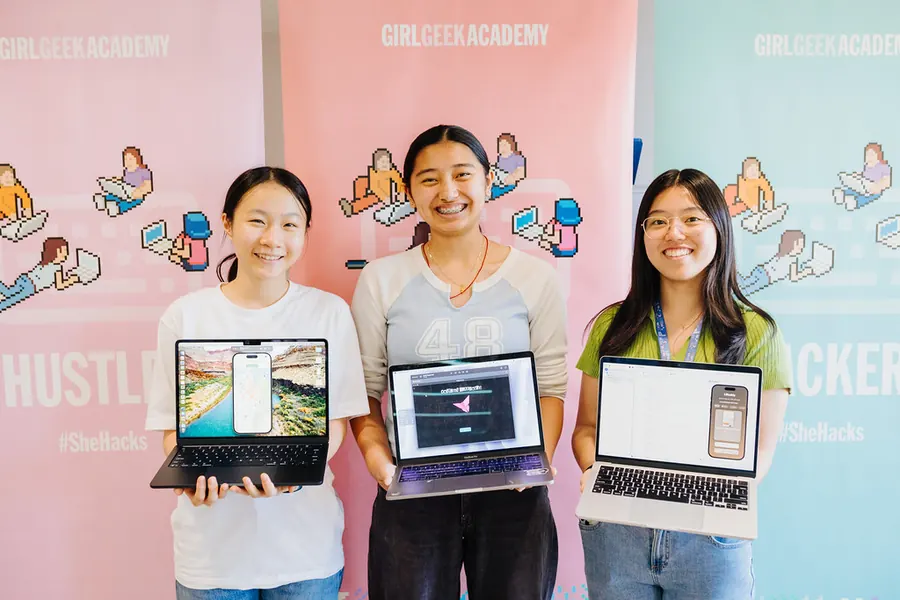
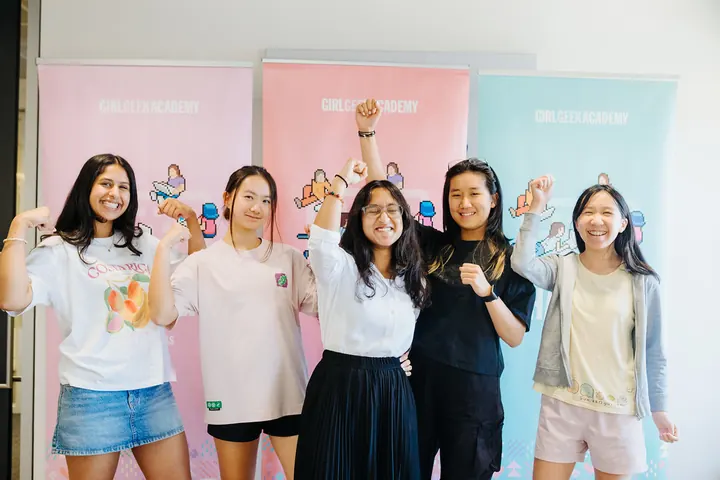
Five students flexing in front of Girl Geek Academy bannersFour students on a bench, each with her own laptopTwo students smiling togetherTwo students posing in front of a colourful muralTwo students holding a SheHacksSwift signThree students working on laptops at a tableThree students posing in front of Girl Geek Academy banners
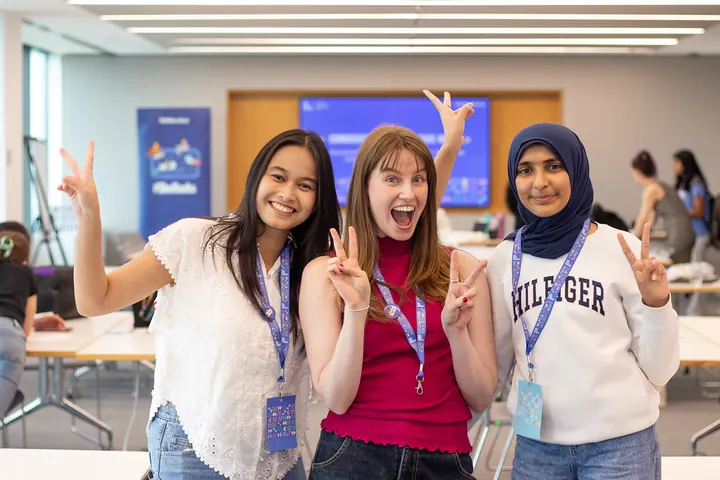
Three students posing and wavingTwo students laughing over a laptopTwo students with their arms around each otherThree students holding up signs, one reading SheHacksSwiftTwo students on a bench, each with her own deviceThree students smiling at the cameraStudents holding up their laptops

How it works

Swift is the programming language used to create apps for Apple devices. You’ll leave with your own app playground: a small, working app that someone can explore in about three minutes. It’s the format the Swift Student Challenge asks for.

Each day follows the steps app designers use: find the problem, build and test, then polish.

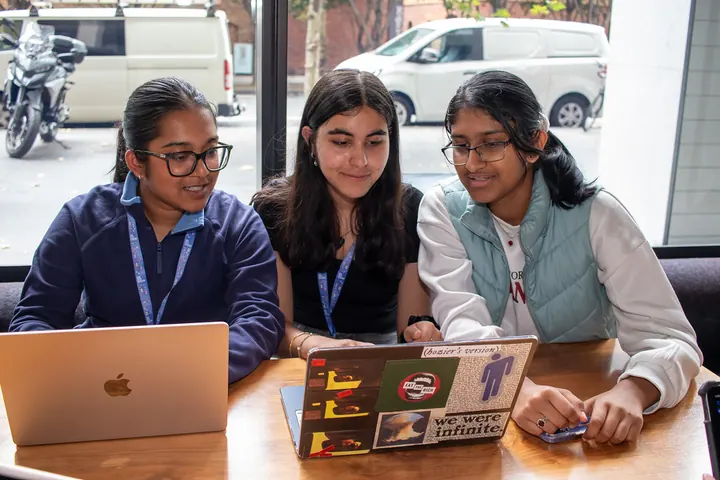
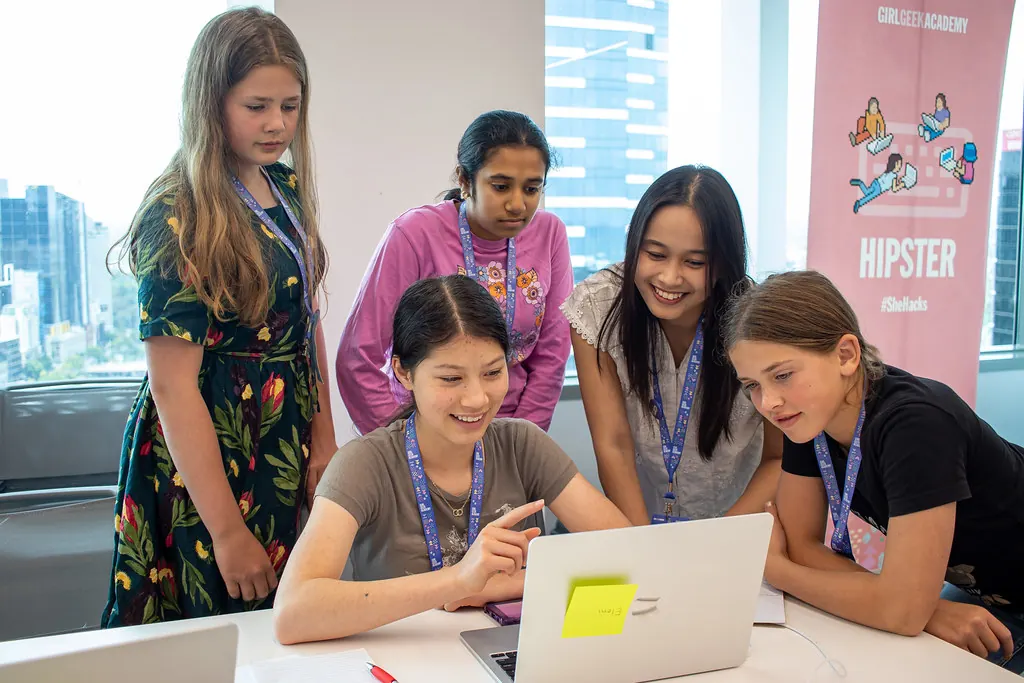
A student points at her laptop screen while four others lean in to look
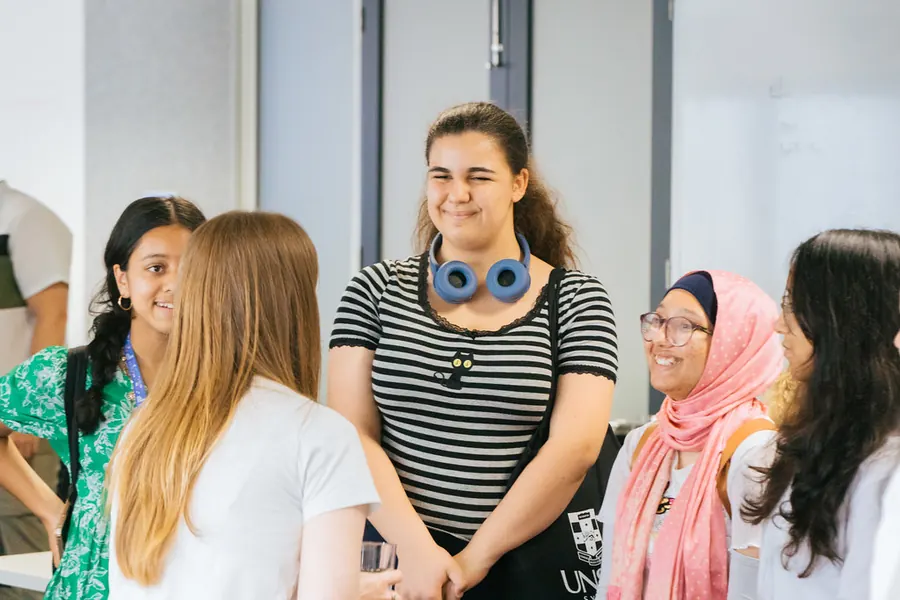
Students chatting and laughing together in a group
Day 1 · Tue 12 Jan

Discover Swift

Meet your crew, get comfortable in Swift and choose the problem your app will solve. Every good app solves a problem for someone. It might be at school, at home, in your community or in something you love doing. Sketch it on paper before you write any code. You’ll also hear from Swift developers about how they got started.

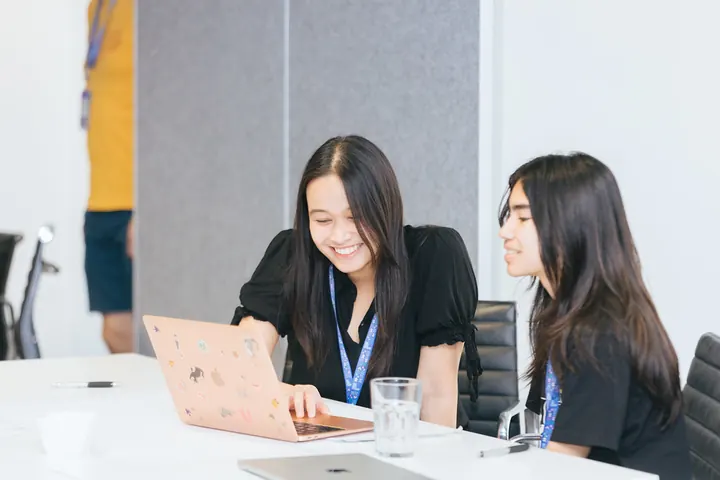
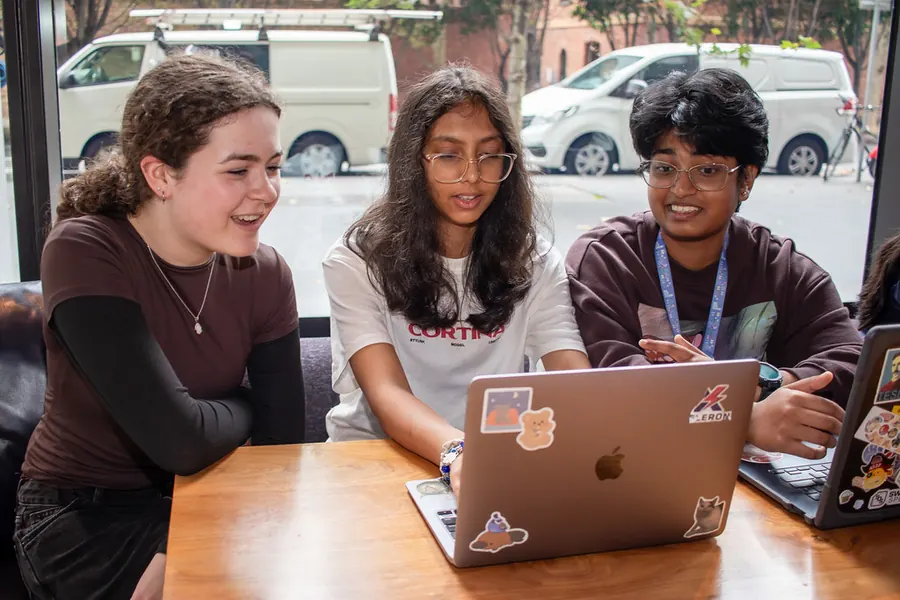
Two students laughing as they look at an app on a laptop
Day 2 · Wed 13 Jan

Build and test

Build your app with mentors on the floor. Add your own drawings, photos, music, sounds and words. Swap with your crew, watch them use it and fix whatever trips them up.

Three students holding up laptops showing their apps
Day 3 · Thu 14 Jan

App Prep & Celebration

Trim your app so it works in about three minutes and add the finishing touches. Show it at the Day 3 showcase, with feedback from a panel of Swift developers. You’ll leave with your project packaged and ready to submit.

After January

We stay with you until your entry is in: online mentors, office hours and reminders when the Challenge opens.
Want to see what’s possible? Browse past Swift Student Challenge Distinguished Winners.

Sign upTakes about five minutes.

New to code, or back for more?

New to Swift

No experience needed.

Online sessions before the event and Day 1 get you from zero to building. Go at your own pace; no one gets left behind.

Back for more

Been to SheHacksSwift before, or already coding? Go further.

Try machine learning, build for Apple Vision Pro, or take on a more ambitious design. Mentors will help you stretch, and you can move as fast as you like.

Get ready before January

You don’t need any of this to sign up. Once you have a place, here’s how to arrive ready to build, not still installing.

Sign upTakes about five minutes.
  1. Sign up.

    It takes about five minutes. You can do it yourself. A parent or guardian only fills in a form if you’re offered a place.

    Sign up
  2. Get the tools.

    Download Swift Playground on your iPad or Mac, or Xcode on your Mac. Both are free. Xcode is a big download, so do it at home.

  3. Try Apple’s Develop in Swift tutorials.

    Start with App design, then App development.

  4. Start a problem list.

    Jot down things you’d like an app to fix. Bring the list on Day 1.

What you need to know

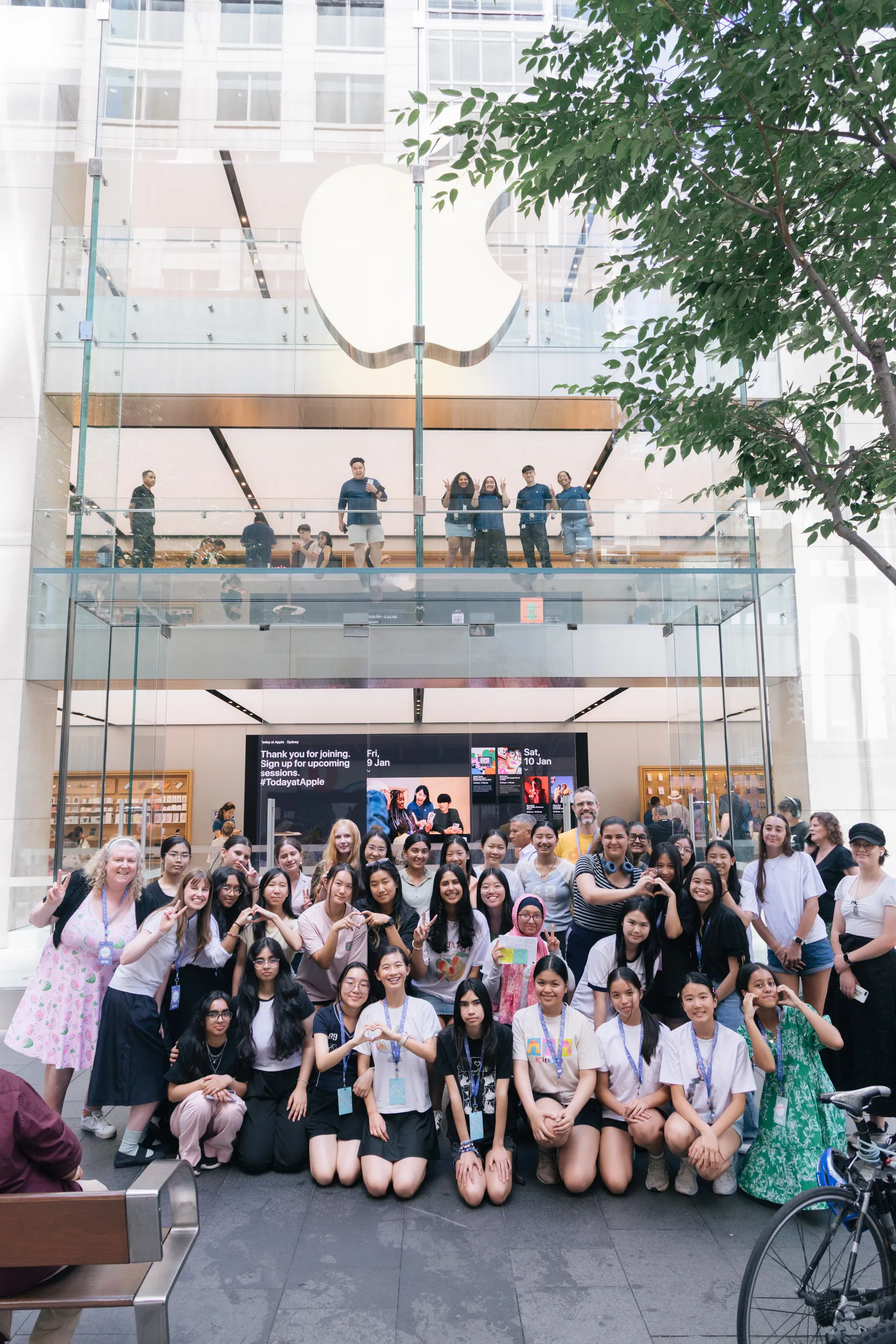
SheHacksSwift 2026 students and mentors in front of the Apple Store on George Street, Sydney
Cost
Free
Who
High school girls and gender-diverse students in Australia, including non-binary students, who’ll be 13 or older by February 2027
Where
Sydney
When
12–14 January 2027, 9:30am–4:00pm each day
Bring
One Mac or iPad with Swift Playground or Xcode installed, and your lunch
Before the event
Short online sessions to get you ready
Your place
Confirmed once a parent or guardian completes the consent forms, within 7 days of your offer

No coding experience needed, just curiosity and a problem you’d like to solve.

Sign up

Holiday programs

Three days of the school holidays in a room full of girl geeks: new friends, mentors beside you, and an app that’s yours by Thursday.

Girls at a past Girl Geek Academy school holiday program

Are you a teacher or parent?

For teachers

SheHacksSwift runs in the school holidays, so students miss no class time and there’s no excursion paperwork. It’s a three-day intensive that fits alongside a school Swift Coding Club, or helps start one. Our get-ready steps use Apple’s Develop in Swift tutorials, and Apple’s free Educator Guide walks teachers through the same tutorials.

For parents

Your child can sign up themselves. If they’re offered a place, you’ll get the consent forms to complete. Every mentor holds a Working With Children Check, and our online community is moderated by Girl Geek Academy.

Share this page with the girl geeks you know. For questions, or to bring SheHacksSwift to your school or city, email hello@girlgeekacademy.com.

Sign up

Frequently asked questions

What’s Swift?

Swift is the programming language used to create apps for Apple devices. With its clear and expressive syntax, you’ll be bringing your ideas to life in no time.

Do I need experience with Swift or coding?

No. Online sessions before the event and Day 1 get you started. If you already code, you can go as far as you like.

What’s an app playground?

A small app built in Swift Playground or Xcode that someone can explore in about three minutes. It’s the format the Swift Student Challenge asks for, so it’s what you’ll build.

Will I finish my app in three days?

You’ll leave with a working app playground and a plan for what to polish. You can keep improving it until the Challenge closes, with online mentors and office hours to help.

What do I need to bring?

One Mac or iPad, your lunch and a willingness to learn. Swift Playground runs on Mac and iPad; Xcode needs a Mac.

Can I use AI to help me code?

Xcode includes AI coding help. Apple’s rules for the 2026 Challenge allowed AI tools as long as you explained how you used them. We’ll go through the 2027 rules with you when they’re out.

What are the hours?

9:30am–4:00pm each day.

Who can apply?

High school girls and gender-diverse students in Australia, including non-binary students, who’ll be 13 or older by February 2027.

What’s the Swift Student Challenge?

Apple’s annual coding challenge for students: you build an app playground and submit it yourself. The 2027 Challenge opens in early 2027, and SheHacksSwift gets your entry started.

Can I work with my friends?

Yes. You’ll be in a crew of 4 to 6 for ideas, testing and demos. Swift Student Challenge entries are individual, though, so everyone builds and submits their own app playground. Mentors coach and explain. They can look things up with you, but they never type code into your project.

Do my parents need to do anything?

Not to sign up. You can do that yourself. If you’re offered a place, a parent or guardian completes the consent forms within 7 days to confirm it.

What happens after January?

We stay with you until your entry is in: online mentors, office hours and reminders when the Challenge opens.
Sign upTakes about five minutes.

Swift developer? Mentor with us

We need Swift and iOS developers to:

  • Mentor in the room in Sydney, 12–14 January (full or half days)
  • Give a 15-minute “how I got into iOS” talk on Day 1
  • Sit on the Day 3 showcase feedback panel
  • Mentor online from any city, about an hour a week through January and February
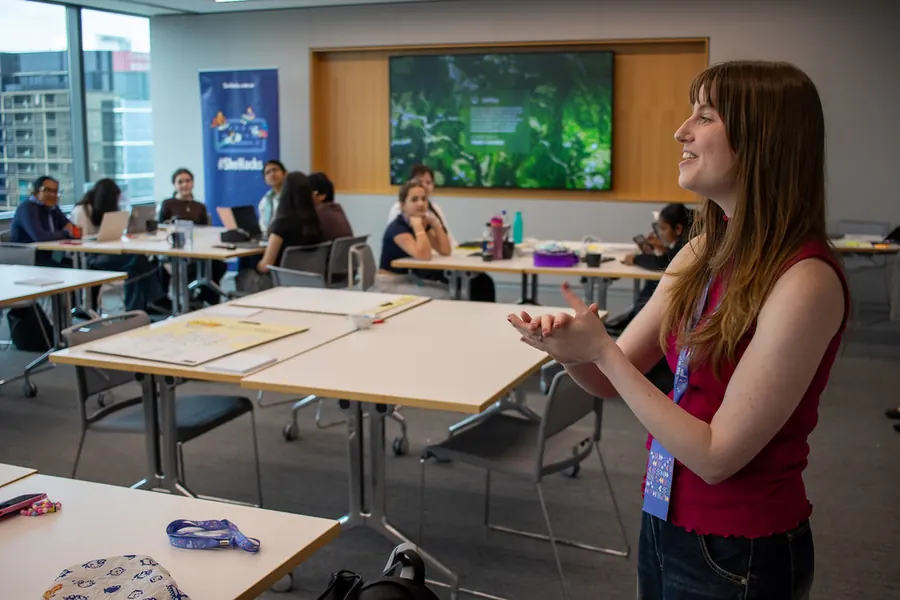
A speaker talking to students around the room

You’ll help girls shape an idea, test it with their crew and trim it to a three-minute app playground.

Mentors need a Working With Children Check (free for NSW volunteers) and join a one-hour online onboarding in December. Mentors coach and explain. They can look things up with a student, but they never type code into a student’s project.

Swift, the Swift logo, Xcode, Mac and iPad are trademarks of Apple Inc., registered in the U.S. and other countries and regions.